High-speed USB 3.0
Supports fast data exchange for image acquisition, diagnostics, data logging, and peripheral expansion.

USB 3.0 Industrial Connectivity
Designed for industrial PCs, machine vision, test benches, embedded controllers, and field equipment that require stable high-speed data transfer across multiple USB devices.
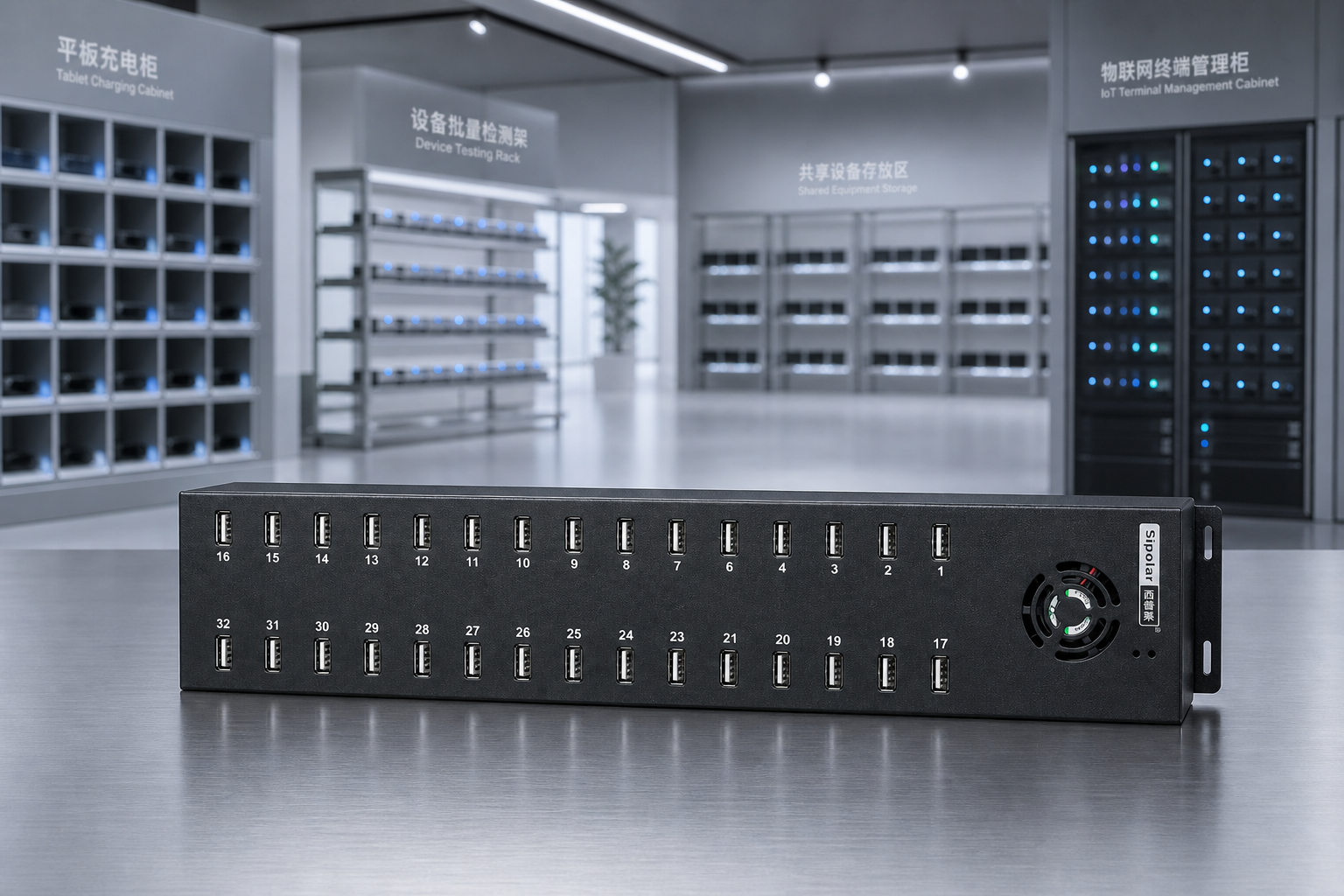
Why It Matters
In industrial environments, a USB hub is more than a desktop accessory. It must sustain bandwidth, resist electrical noise, protect downstream devices, and remain serviceable over long operating cycles.
This USB 3.0 industrial hub series brings reinforced structure, reliable power input, and practical mounting options into one compact platform for production and engineering teams.
Product Detail
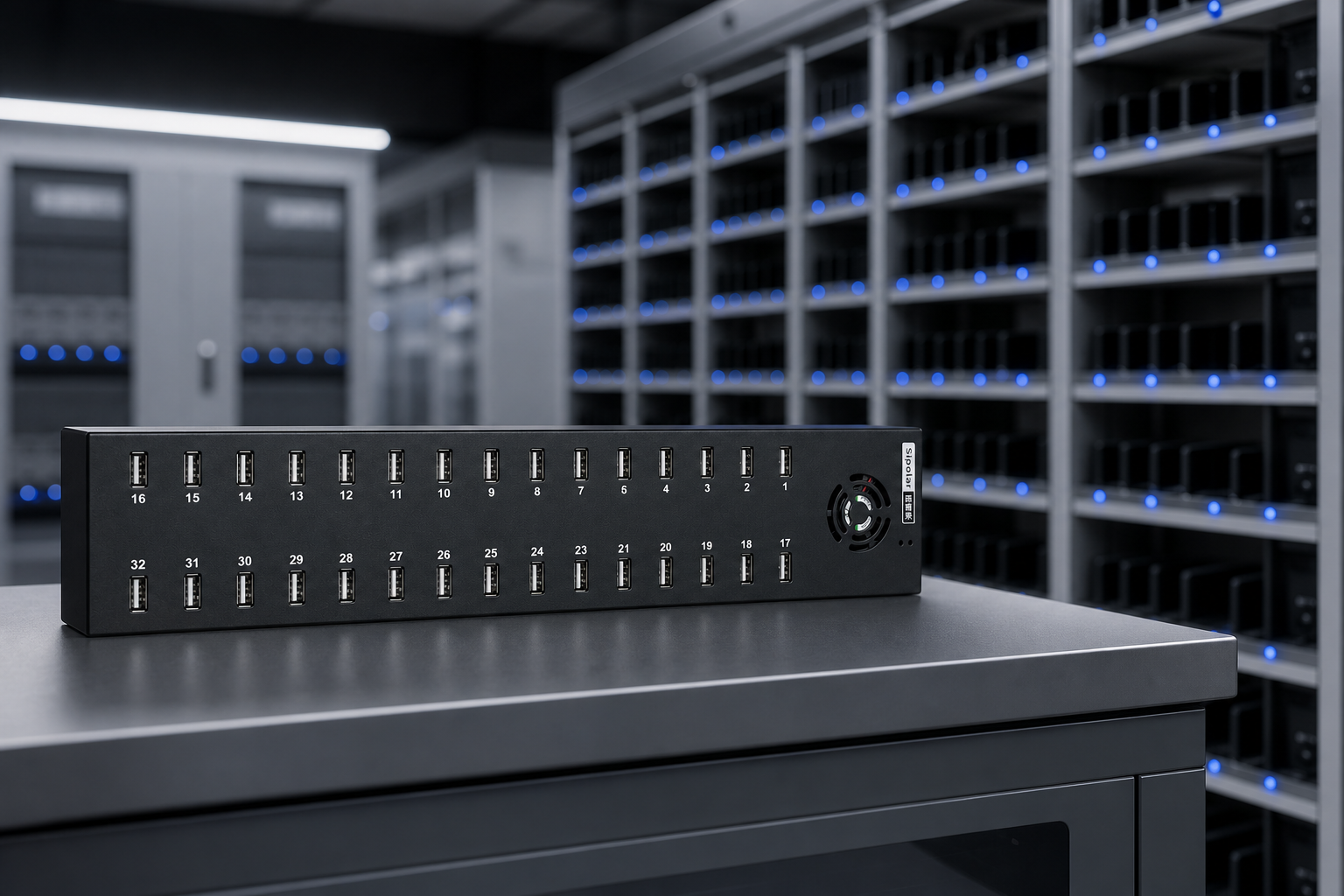
High-speed USB 3.0 transmission helps cameras, scanners, storage devices, dongles, and control peripherals operate together without sacrificing responsiveness.
Core Advantages
Supports fast data exchange for image acquisition, diagnostics, data logging, and peripheral expansion.
Metal construction and compact proportions make it suitable for cabinets, benches, and embedded systems.
Works well in fixed equipment layouts where cable direction, mounting clearance, and access matter.
Selection Matrix
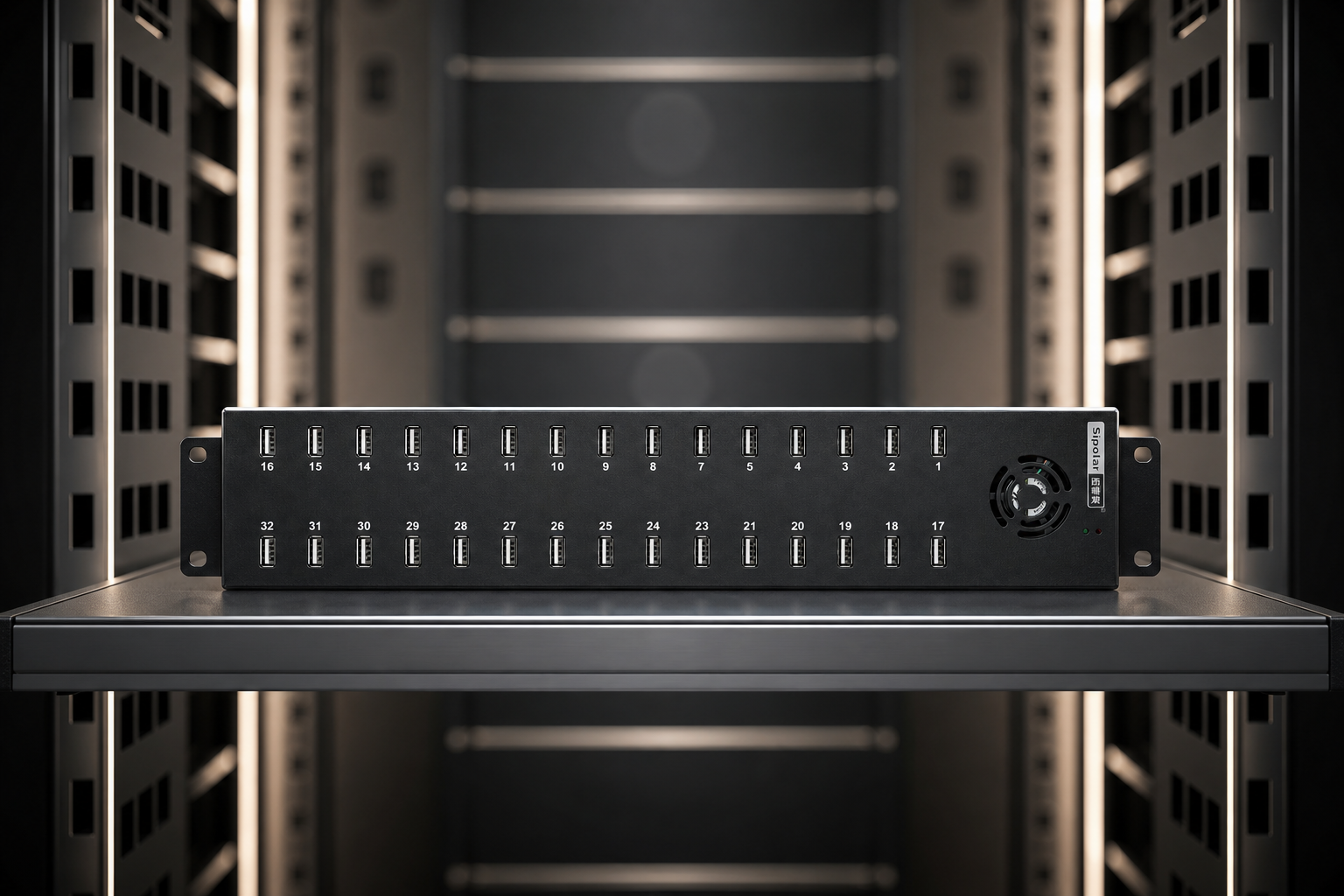
| Requirement | Recommended Focus | Best Fit |
|---|---|---|
| Multiple cameras or scanners | Bandwidth stability and independent power | Powered USB 3.0 model |
| Control cabinet integration | Metal housing and fixed mounting | DIN-rail or screw-mounted layout |
| Test bench expansion | Easy access and fast device replacement | Front-facing multi-port model |
| Embedded host connection | Compact body and dependable cable routing | Small-footprint industrial hub |
Visual Reference
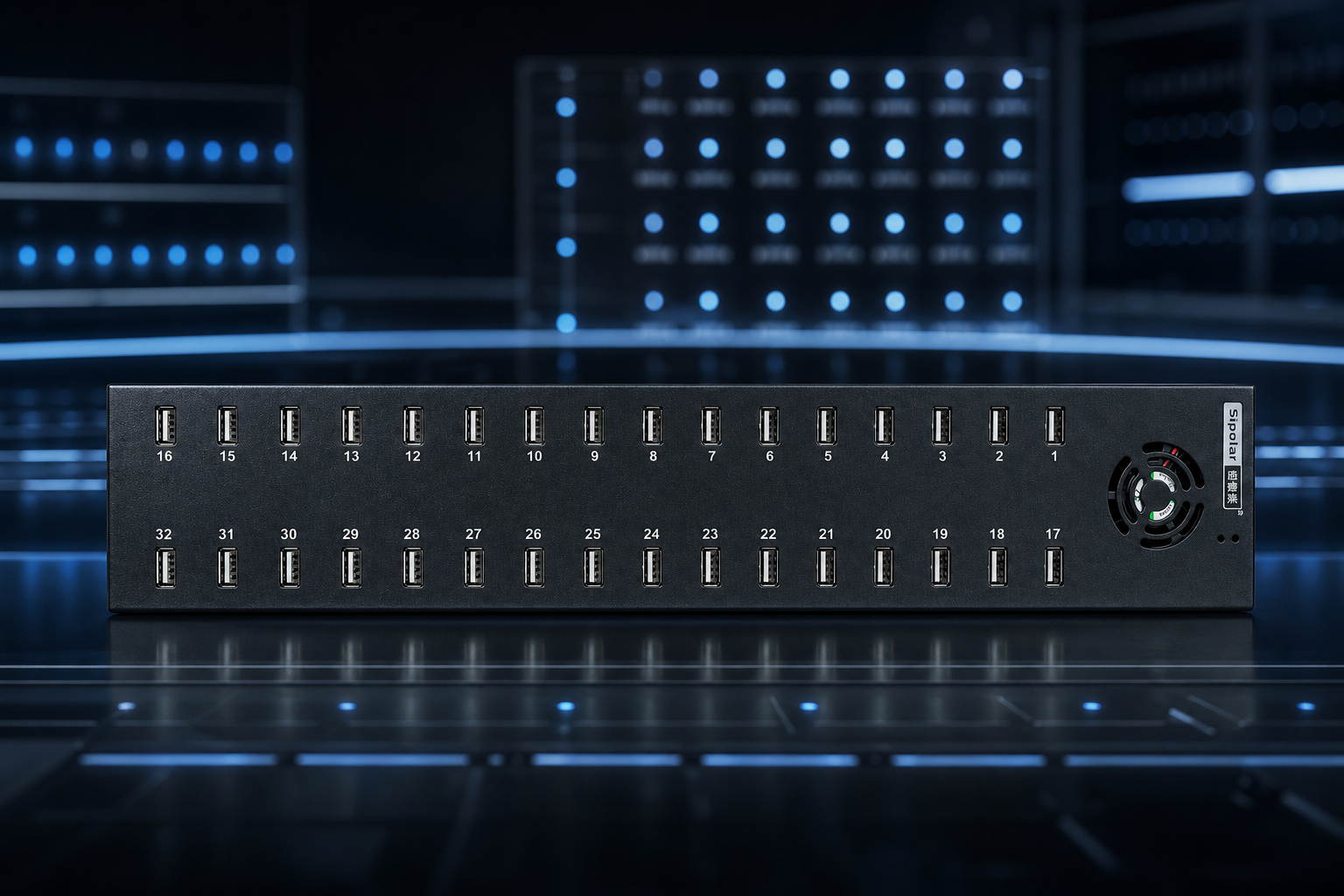
The product image set can be replaced in batches while keeping the same layout, background treatment, and visual rhythm.

Decision Guide
List cameras, readers, dongles, storage, and service tools that must run at the same time.
If devices draw meaningful current, choose an externally powered hub for more stable operation.
Match the housing and cable orientation to the cabinet, workstation, or embedded enclosure.
Choose the version that balances port count, power input, mounting method, and available space.