- Room 525, Building 7D,Hengda Shishang Huigu, Dalang Street, Longhua District, Shenzhen, China, 518109

Which brand of USB hub has the best quality? Don't count the ports — check the power supply and the cooling. These two invisible details separate a "productivity tool that runs 20 ports around the clock" from a "prop that drops out the moment everything is plugged in."
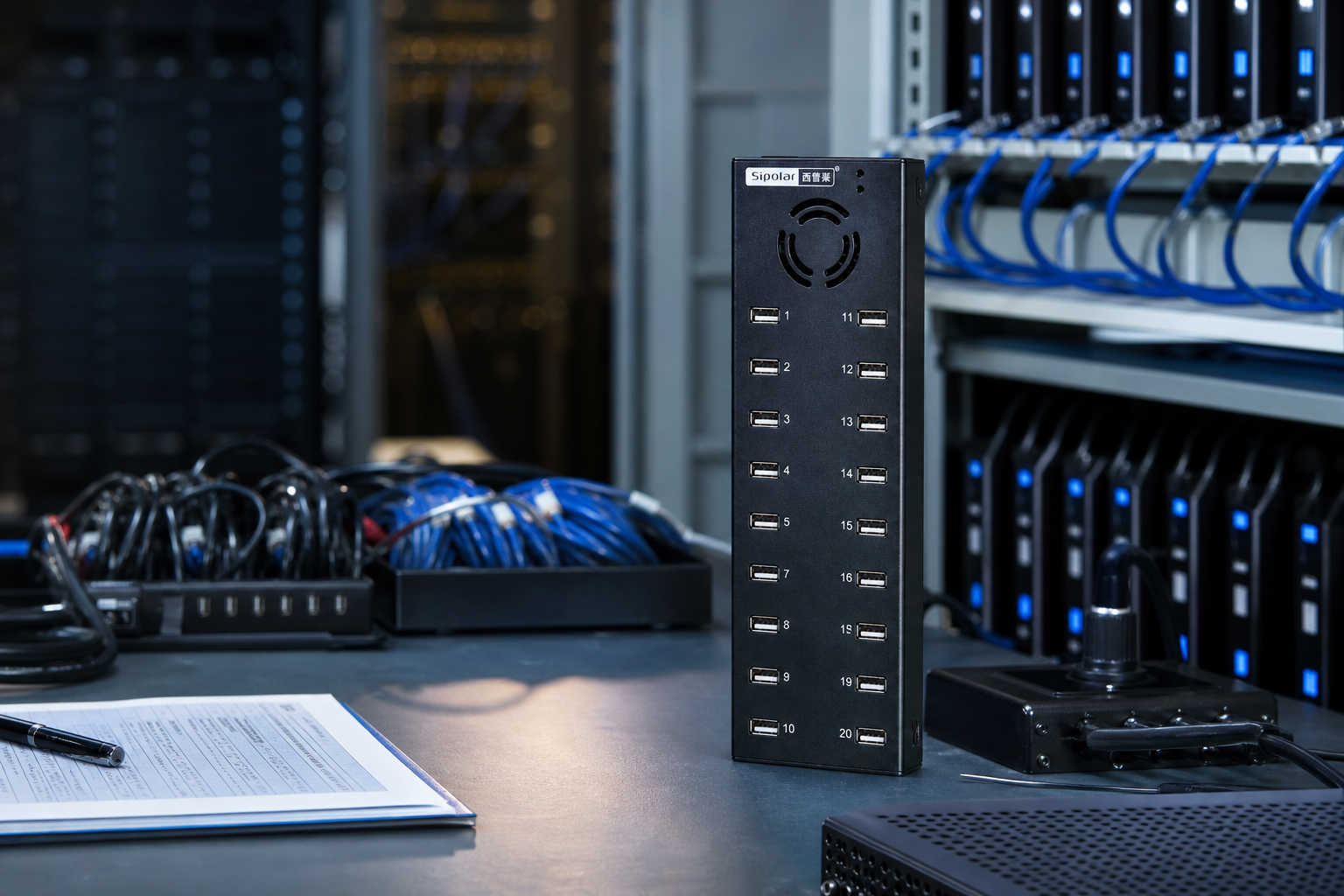
Products labeled "20-port" differ several-fold in price — and almost all of that gap comes down to two invisible details: independent power supply and a metal chassis with active cooling.
Below, we use the Sipolar A-805 — model A-805P, 20-port USB 2.0, DC 12V/10A input — as our sample, breaking down the real differences between industrial-grade and consumer-grade point by point, so you can judge for yourself whether a hub is worth its price.
Is there a real DC supply behind the ports — or just a single upstream cable?
Can the heat of 20 full-load ports actually escape the enclosure?
Can it rack-mount, and can you power all 20 channels with one switch?
The core tension of a USB hub was never how many ports it has — but where the power for those ports comes from, and whether there's enough to go around.
USB 2.0 defines standard per-port power as 5V / 0.5A — 2.5W. Many cheap "20-port" hubs have no independent supply at all; they draw everything through a single USB cable from the host. A computer's USB port can only output limited current, and splitting it across 20 downstream ports is like a full table fighting over one bowl of rice. A few mice and keyboards are fine — but connect power-hungry devices and the voltage instantly collapses. The controller detects the undervoltage and shuts ports down to protect itself. What you see is exactly that: random dropouts, reconnection pop-ups, devices that come and go.
The no-name hub that draws from the upstream port starts flickering by the seventh or eighth device — and gets worse the further down the row you go. The difference isn't a fancier chip. It's simply whether a large, independent supply backs the whole unit up.
① Independent DC supply (not upstream-powered) · ② Total power sufficient (port count × per-port power) · ③ Per-port output clearly labeled, e.g. 5V / 1.2A. Meet all three and dropouts are a thing of the past.
"Independent" isn't a buzzword — it's arithmetic.
1.2A per port is 2.4× the USB 2.0 standard. Multiply across all 20 ports and the combined demand still fits comfortably inside that 120W pool. Every port has its own share; none of them have to fight for it.
The most overlooked factor — and the one that directly decides lifespan: heat dissipation.
At full load, the internal master controller and step-down circuitry generate continuous heat. Consumer hubs chase light, thin, good-looking — basically plastic shells with passive cooling. Leave one running 7×24 and the heat trapped inside has nowhere to escape. The chip runs hot long-term and its lifespan falls off a cliff — the root cause of so many cheap units mysteriously dropping out after two or three months. Plastic barely conducts heat at all. It's like draping a blanket over a chip that's already burning up.
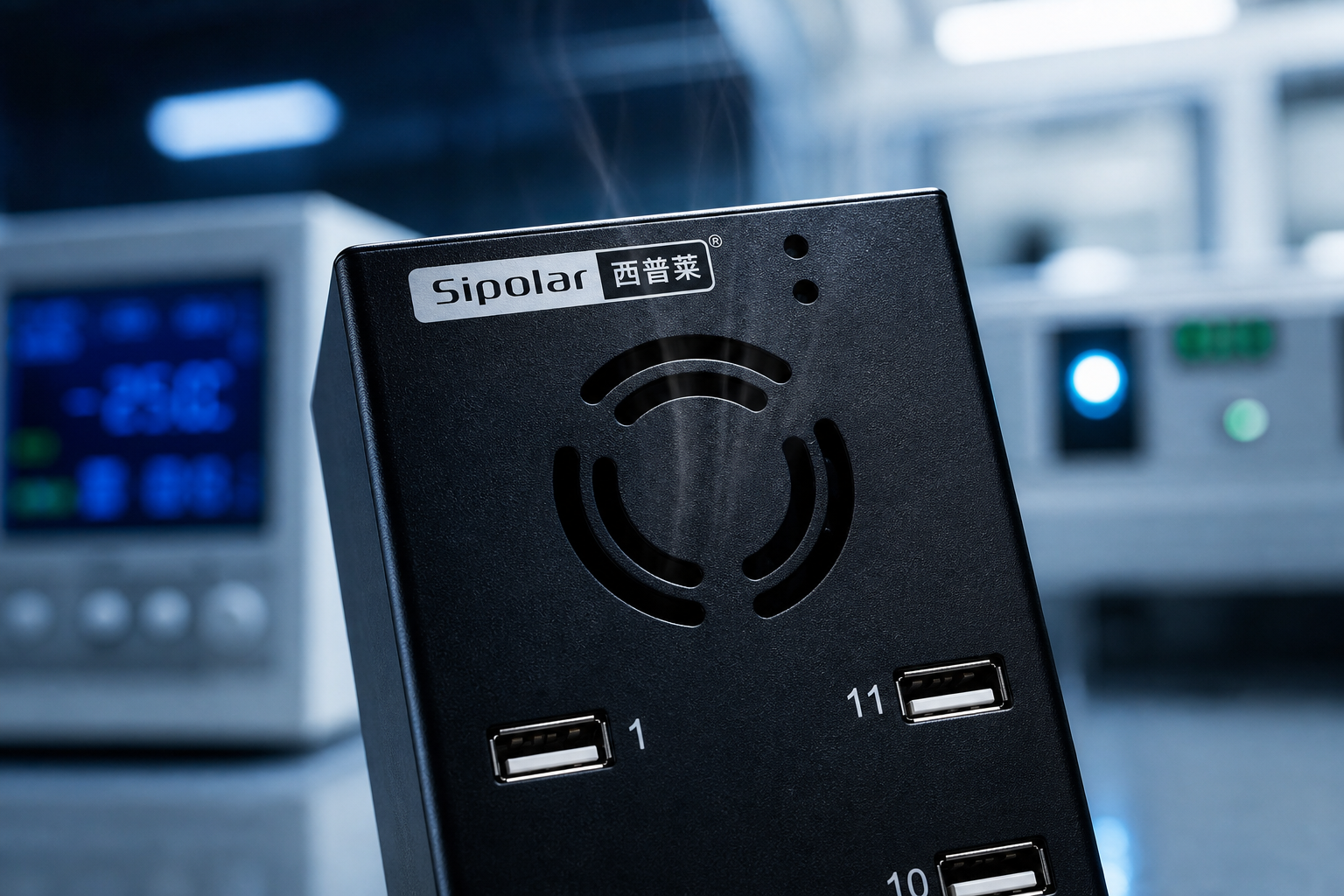
The A-805 is designed for sustained full-load operation — its cooling stacks two things together.
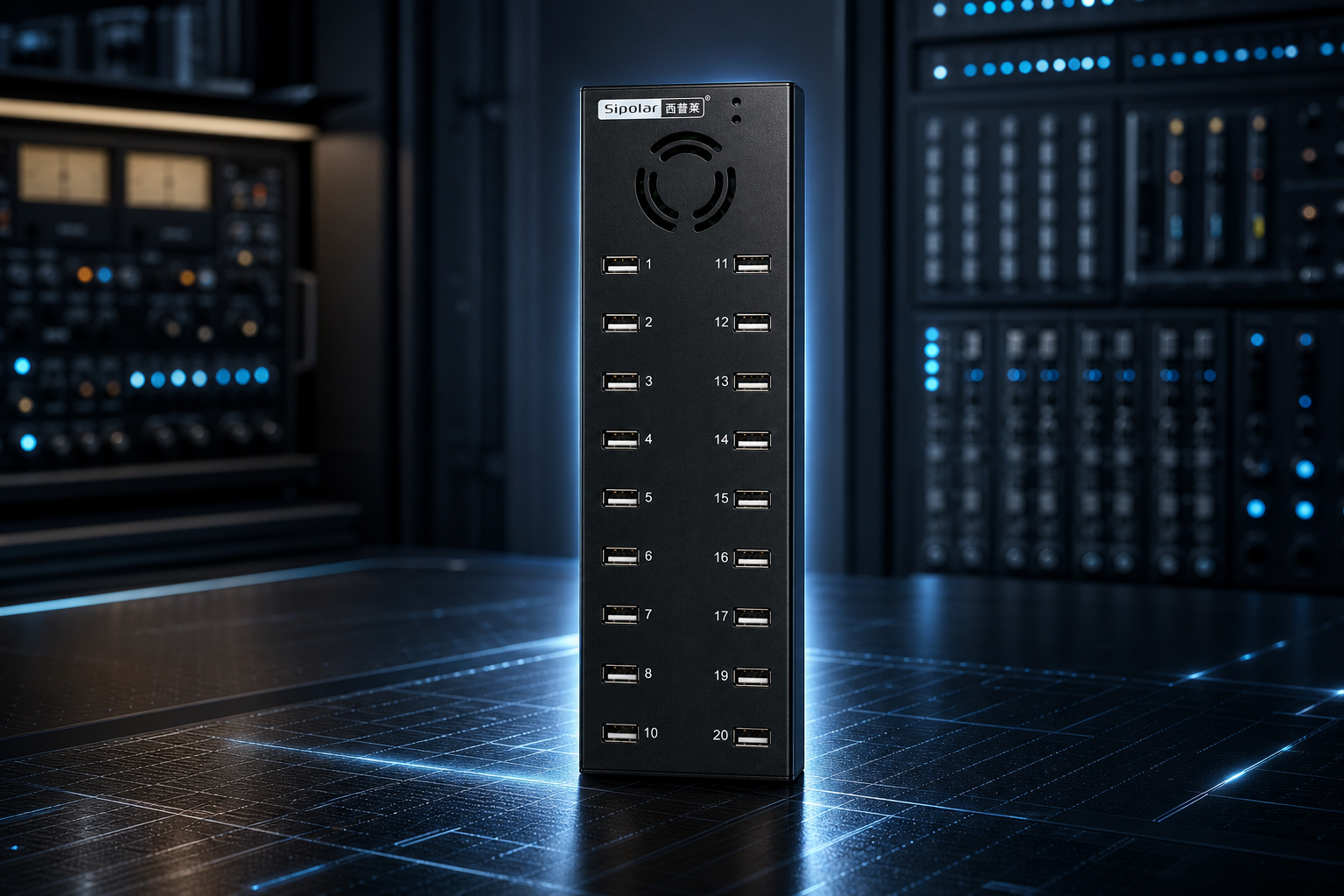
Industrial-grade: independent high-power supply + metal chassis + active fan — built for continuous full-load operation. Consumer-grade: slim, portable, fine for a mouse and keyboard. Need long-term running, batch power delivery, or device testing? You must go industrial-grade.
A hub isn't done the moment it powers on. It has to mount securely and manage as a whole row — and it can't shift the moment a cable is bumped.
Screw the unit directly onto a rack shelf, board, or wall — the body won't slide around from the pull of twenty cables. Screw several units side by side onto a rack, tidy the cabling with zip ties, and the whole workspace stays clean: you can spot at a glance which unit and which port has a problem.
Arrive in the morning, flip it, and all 20 devices power on together. Flip it off and all 20 channels cut at once — no bending over to unplug port by port. In batch scenarios, that "one-flip unified control" saves remarkable time, day after day.
Square connectors are sturdier and more durable than easily-loosening Micro-USB or Type-C ports that wear out from repeated plugging. Plugged into a device long-term, it's far less prone to poor contact. This is exactly why industrial PCs and legacy peripherals stubbornly stick with the square connector — they value its reliability.
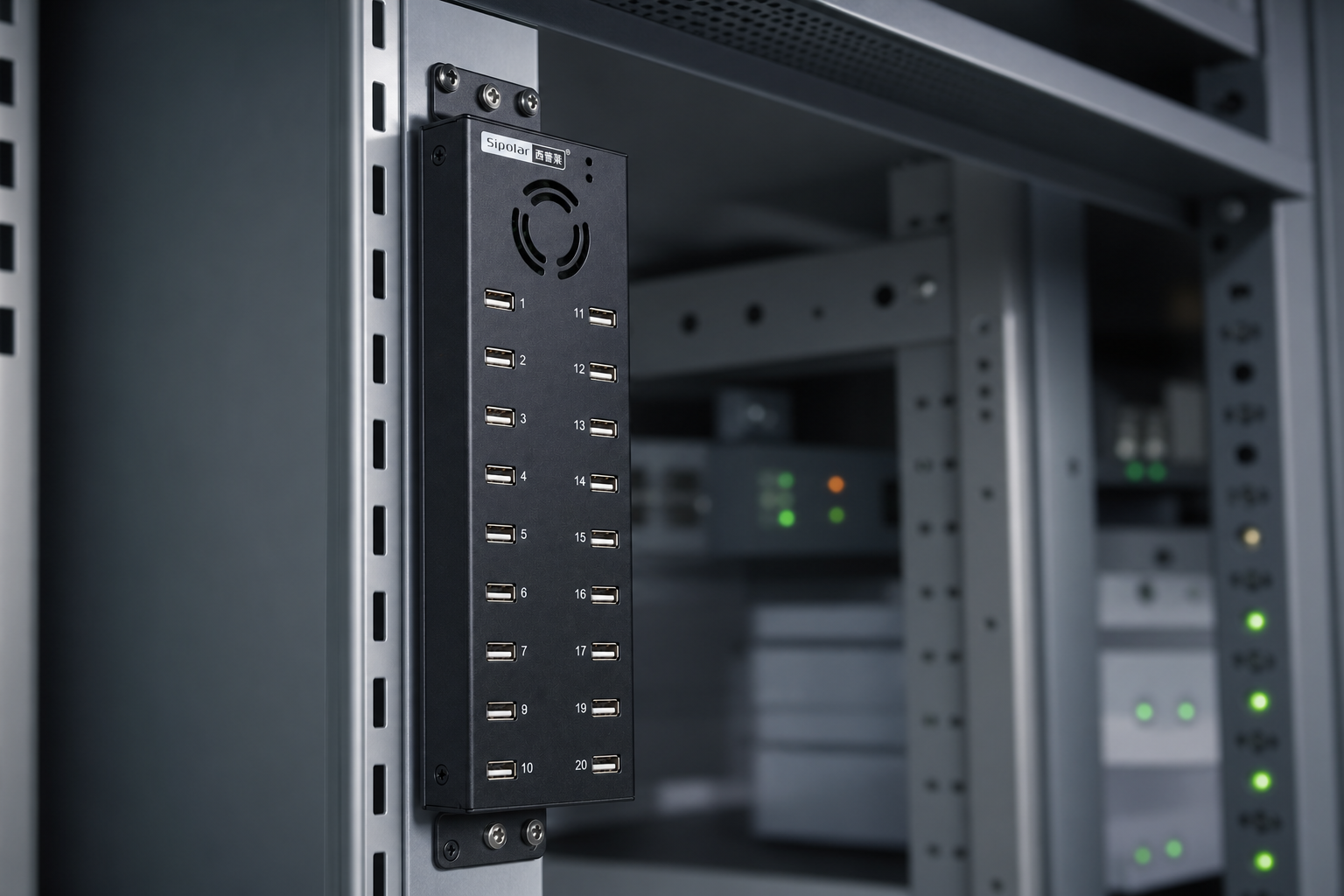
Is the Sipolar A-805 suitable for batch tablet charging? Yes. Independent 20-port supply keeps every device fed, metal-plus-fan cooling withstands long-term running, side ears allow rack mounting, and the independent switch makes one-flip management of a whole row easy — the typical configuration for tablet charging cabinets, device testing, and IoT terminal maintenance.
People who write off anything labeled "2.0" usually haven't distinguished "transfer bandwidth" from "actual use case" — two entirely different things.
USB 2.0's theoretical bandwidth is 480Mbps vs. 3.0's 5Gbps. But this machine was never positioned to transfer big files for you — it's positioned to stably manage the power and connections of 20 devices. For batch charging, device testing, terminals, dongles, and control signals, 2.0 is more than enough.
Legacy devices, industrial control systems, and all kinds of terminals recognize 2.0 at higher rates — it's not picky about the host or the OS.
More stable signal — 2.0 tolerates cable quality and EMI far better than 3.0, so it's less prone to problems when plugged in long-term. And lower cost: for the same 20 ports, a 2.0 solution is significantly cheaper. Spend the savings on power and cooling — the things that actually affect stability.
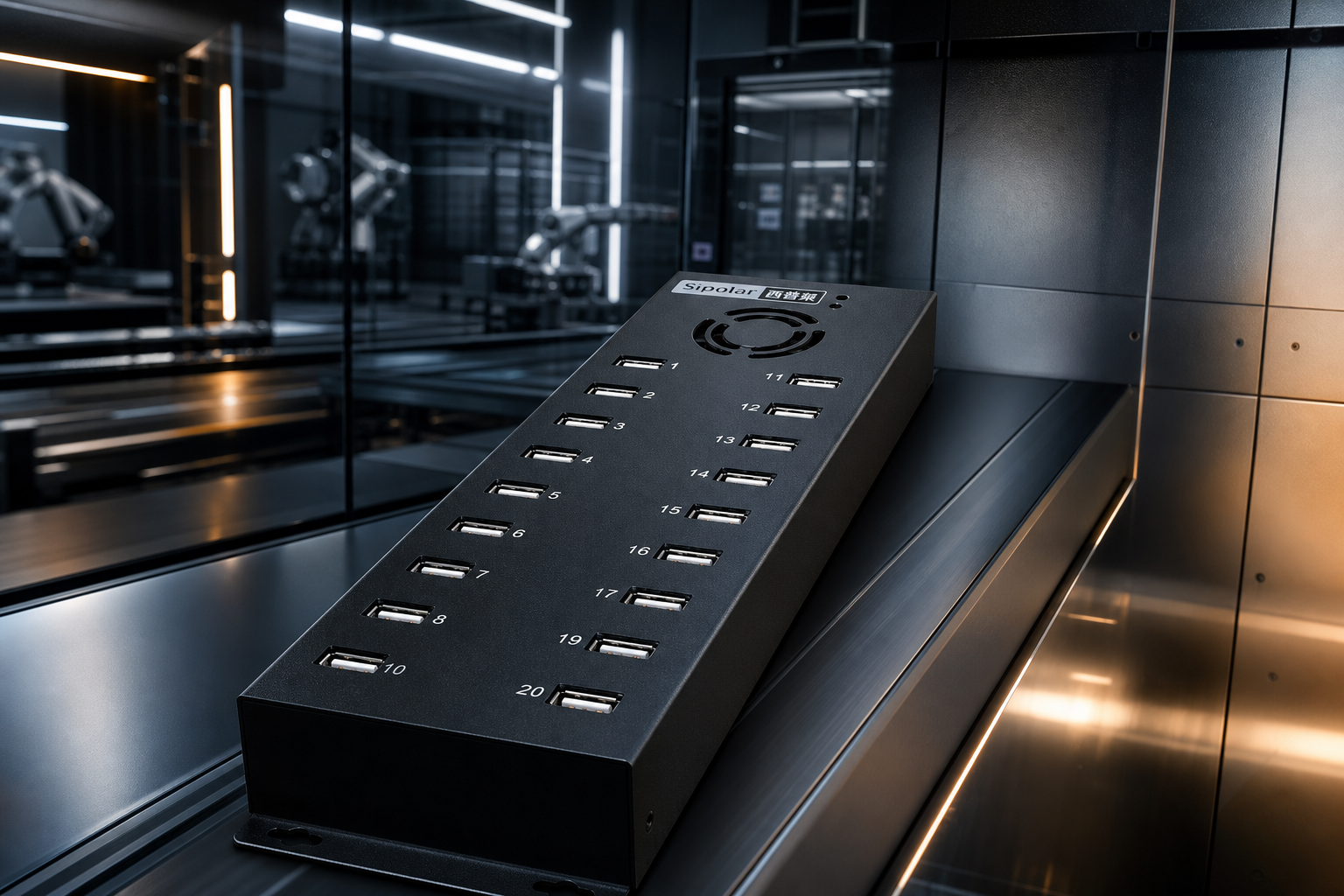
Choosing 2.0 or 3.0 isn't about new vs. old — it's about need. For multi-device power delivery and management, 2.0 is the more stable, more cost-effective choice; only frequent large-file transfer makes 3.0's bandwidth worth the extra spend. The A-805 isn't competing with you on transfer speed — it's competing on whether 20 ports can run steadily together over the long term.
Yes. For multi-device power delivery, batch charging, peripheral expansion, or connecting terminals, 2.0 is stable, cheap, and more compatible. Only frequent transfers of large videos or disk images make 3.0 necessary.
Tablet batch-charging cabinets, factory device testing, IoT terminal burn-in testing, shared-device maintenance, teaching labs, and lab peripheral expansion — scenarios needing long-term, stable, multi-port power delivery are the main battlefield.
When picking a high-quality industrial USB hub, don't let the "20-port" number lead your eye astray. Every point below is backed by real traps.
Insist on independent DC 12V / 10A input and a per-port rating clearly stated as 5V / 1.2A. This is the foundation of "plug in everything without dropouts." No-supply hubs drawing from the upstream port will almost all collapse under full load.
The full metal shell conducts heat out, the top fan blows heat away — you can't do without either. This decides whether it runs stably for over a year or overheats into trouble within three months.
Side mounting ears allow rack mounting so the body won't get dragged around by twenty cables; the ON/OFF switch powers the whole row on with one flip and off with another. Efficiency details batch users rely on every day — not optional frills.
Prioritize brands that specialize in industrial solutions — with independent high-power supplies and metal active cooling. The Sipolar A-805 (20-port USB 2.0, DC 12V/10A) is a textbook industrial-grade example.
It comes down to power. Models with independent 12V/10A input and 5V/1.2A per port stay stable even with all 20 ports full; no-name units drawing from the upstream port tend to collapse by the seventh or eighth device.
Connect the independent 12V power supply first, then plug in devices — don't expect it to carry a full load off the upstream port. When done, cut power with the ON/OFF switch as a whole: more convenient than unplugging one by one, and gentler on your devices.