Meta Description:
Buying a USB hub in 2026? From speed standards to power delivery and industrial-grade reliability – this guide covers everything B2B buyers need to know before purchasing a multi-port USB hub.
Table of Contents
ToggleIntroduction: Why USB Hubs Matter More Than Ever in 2026
USB hubs were once considered simple accessories. Not anymore. In 2026, they have become critical infrastructure for businesses ranging from factory floors and test labs to cryptocurrency mining farms and digital signage networks.
With USB4 reaching mainstream adoption, 10Gbps ports becoming the baseline for serious deployments, and power delivery requirements rising every year, choosing the wrong USB hub can lead to device dropouts, data corruption, production downtime, and hidden support costs.
This guide is written for B2B buyers, system integrators, and IT managers who need to make informed purchasing decisions – not for casual consumers looking for a $10 hub.
We’ll cover:
Key specifications you must check
Active vs. passive hubs – when each makes sense
USB standards explained (USB 3.2 Gen 1, Gen 2, USB4)
Industrial-grade vs. consumer-grade: the real differences
Application-specific recommendations
A final purchasing checklist
Let’s get started.
1. Critical Specifications to Evaluate in 2026
1.1 Port Count – More Isn’t Always Better, But Often Is
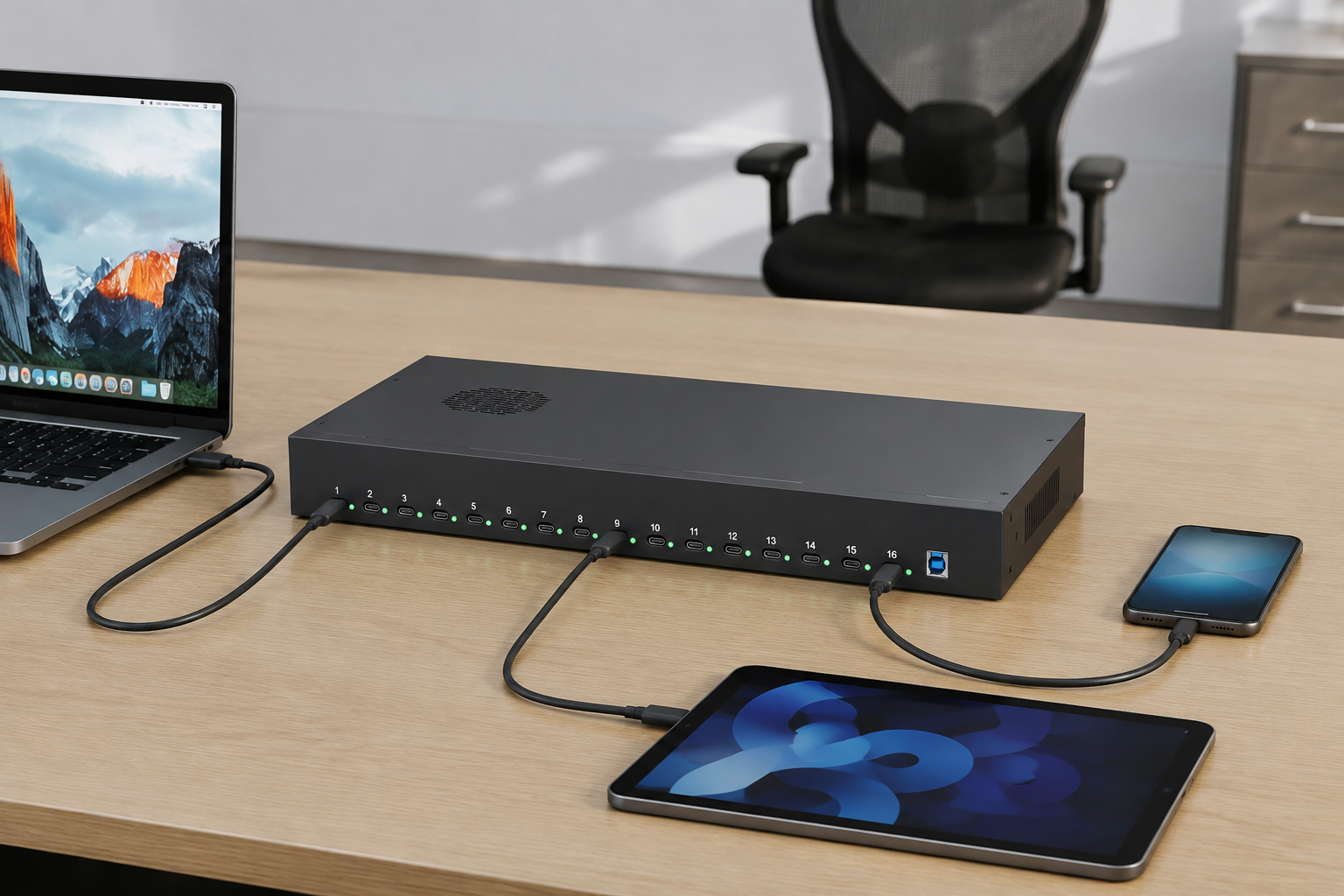
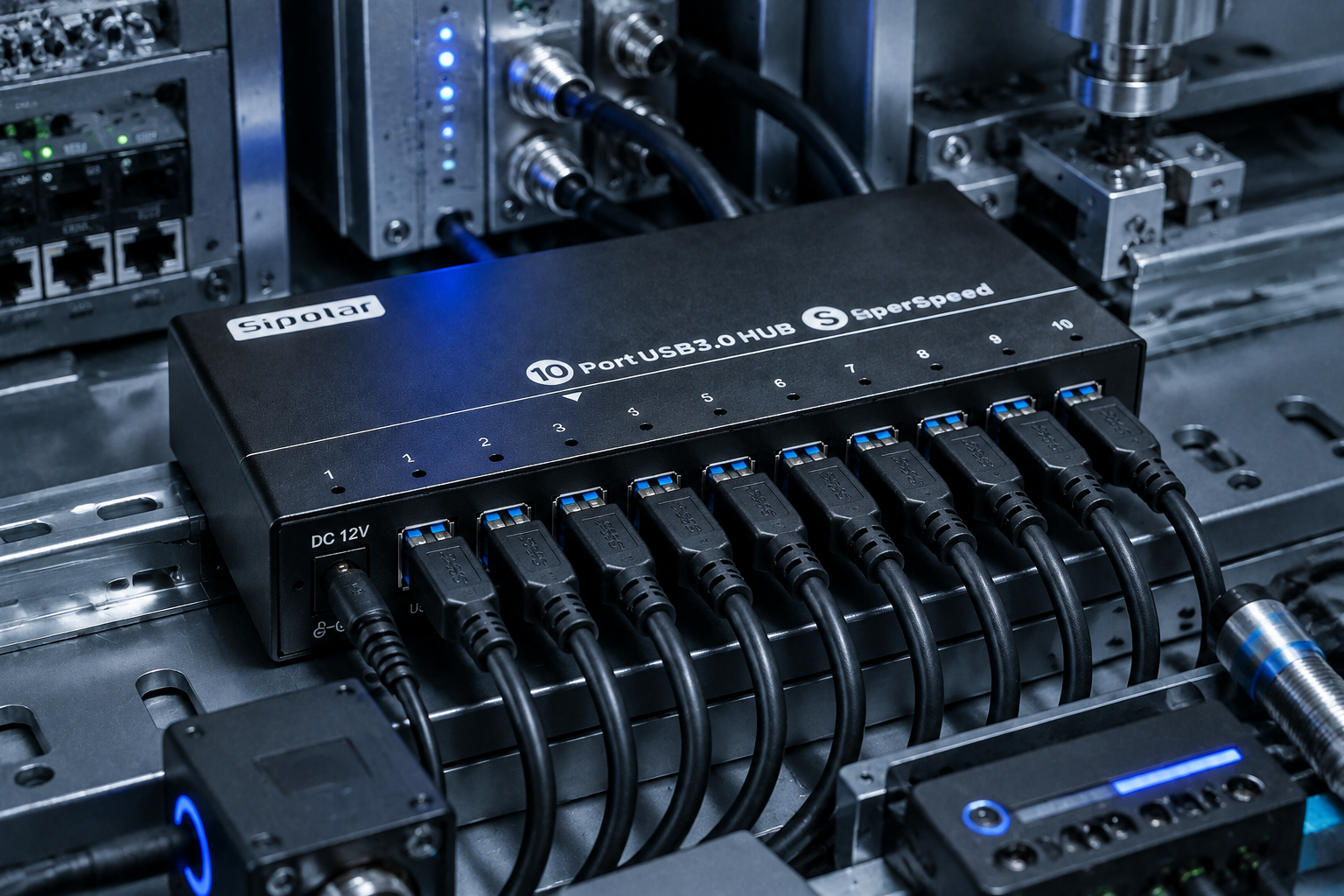
Port counts typically range from 4 to 20+ on a single hub. For B2B applications, 10‑port and 16‑port hubs are the sweet spots.
4–7 ports – Suitable for a single workstation or light peripheral connection.
10–16 ports – Ideal for test benches, small labs, or shared IT equipment.
16+ ports – Used in mass device flashing, cryptocurrency mining (Chia plotting, USB miners), or large‑scale data acquisition.
Sipolar specializes in high‑density hubs (10, 13, 16, 20 ports) , built for simultaneous multi‑device operation without bandwidth or power starvation.
1.2 Data Speed – Throughput Matters More Than Peak Numbers
Don’t just look at “up to 5Gbps”. Understand shared bandwidth.
| Standard | Raw Speed | Real‑world per port (shared) | Typical use |
|---|---|---|---|
| USB 2.0 | 480 Mbps | ~35 MB/s | Keyboard, mouse, basic sensors |
| USB 3.2 Gen 1 | 5 Gbps | ~400 MB/s | Flash drives, 1080p cameras |
| USB 3.2 Gen 2 | 10 Gbps | ~1 GB/s | SSDs, 4K capture cards, multiple high‑speed devices |
| USB4 | 20–40 Gbps | Varies | Future‑proofing, but still rare in industrial hubs |
For 2026, a 10Gbps hub (USB 3.2 Gen 2) is the recommended baseline for any B2B deployment involving storage, video, or simultaneous data streams.
Important: All USB hubs share the host port’s bandwidth. A 10‑port 10Gbps hub still has only 10Gbps total upstream – not 10Gbps per port. This is a common misunderstanding that leads to poor purchasing decisions.
1.3 Power Delivery – Active vs. Passive (Self‑Powered vs. Bus‑Powered)
This single specification causes more field failures than any other.
Bus‑powered (passive) hubs draw all power from the host computer’s USB port. They are limited to ~2.5W–4.5W total. Never use them for more than one or two low‑power devices.
Self‑powered (active) hubs have an external power adapter. They can provide full operating current (typically 500mA–900mA per port, sometimes more) to each connected device simultaneously.
For any industrial or multi‑device scenario, always choose a self‑powered hub. Look for:
Total adapter wattage (e.g., 60W for a 10‑port hub = 6W per port on average)
Per‑port overcurrent protection (important to prevent one faulty device from taking down the whole hub)
Sipolar active hubs feature independent port power control and overload protection – critical for labs and production environments.
2. USB Standards Explained (for B2B Buyers)
Many buyers get confused by USB‑IF’s naming chaos. Here’s the practical takeaway for 2026:
| Marketing name | Official spec | Speed | Connector | When to choose |
|---|---|---|---|---|
| Hi‑Speed USB | USB 2.0 | 480 Mbps | USB‑A / USB‑B | Only for very low‑bandwidth devices (keyboards, basic mice, simple sensors). Avoid for data‑intensive use. |
| SuperSpeed USB | USB 3.2 Gen 1 | 5 Gbps | USB‑A / USB‑C | Acceptable for light storage and single HD video. Not recommended for multi‑device concurrent use. |
| SuperSpeed+ | USB 3.2 Gen 2 | 10 Gbps | USB‑A / USB‑C | Recommended baseline for 2026 B2B. Handles multiple SSDs, 4K capture cards, and simultaneous data streams. |
| USB4 | USB4 Gen 2×2 / Gen 3×2 | 20–40 Gbps | USB‑C | Future‑proof but currently overkill for most hub applications. Limited industrial hub availability. |
For Sipolar’s target applications (test equipment, crypto mining, lab instruments, industrial automation) , USB 3.2 Gen 2 (10Gbps) with USB‑A connectors remains the most practical choice – wide device compatibility and sufficient bandwidth for 10–20 devices.
3. Industrial‑Grade vs. Consumer‑Grade – The Real Differences
Consumer hubs (brands you see in retail stores) are not built for 24/7 operation, harsh environments, or high port counts. Here’s what industrial‑grade means:
| Feature | Consumer hub | Industrial‑grade hub (e.g., Sipolar) |
|---|---|---|
| Operating temperature | 0°C to 40°C | -40°C to +85°C |
| ESD protection (air/contact) | ±4kV / ±2kV | ±15kV / ±8kV |
| Enclosure | Plastic, lightweight | Metal, shielded, heat dissipation |
| Port spacing | Often tight, causing connector interference | Wider spacing for industrial plugs |
| Power adapter quality | Basic, no certification | UL/CE certified, often universal voltage (100–240V) |
| Mounting options | Desktop only | DIN‑rail, wall‑mount, rack‑mount options |
| MTBF rating | Not specified | Typically >100,000 hours |
If your deployment is in a factory, lab, server room, outdoor kiosk, or any environment with temperature swings or electrical noise, do not use consumer hubs. They will fail, and each failure costs you more in downtime than the price difference.
4. Application‑Specific Recommendations
Different industries need different hub features. Use this as a quick reference.
4.1 Test & Measurement Labs
Typical setup: Multiple data loggers, oscilloscopes, spectrum analyzers connected simultaneously.
Requirements:
10–16 ports
USB 3.2 Gen 2 (10Gbps) to avoid data bottlenecks
Per‑port current limiting to isolate faulty instruments
Metal enclosure for RF shielding
Sipolar models: 16‑port industrial hubs with individual LED indicators for port status.
4.2 Cryptocurrency Mining (Chia, USB miners, etc.)
Typical setup: 10–20 USB devices writing/reading simultaneously for hours.
Requirements:
High total power budget (at least 10W per port for some miners)
Stable 5V rail with low ripple
Over‑temperature protection
Many mining communities have reported that Sipolar’s high‑port‑count hubs are among the few that can sustain 24/7 mining without port dropouts.
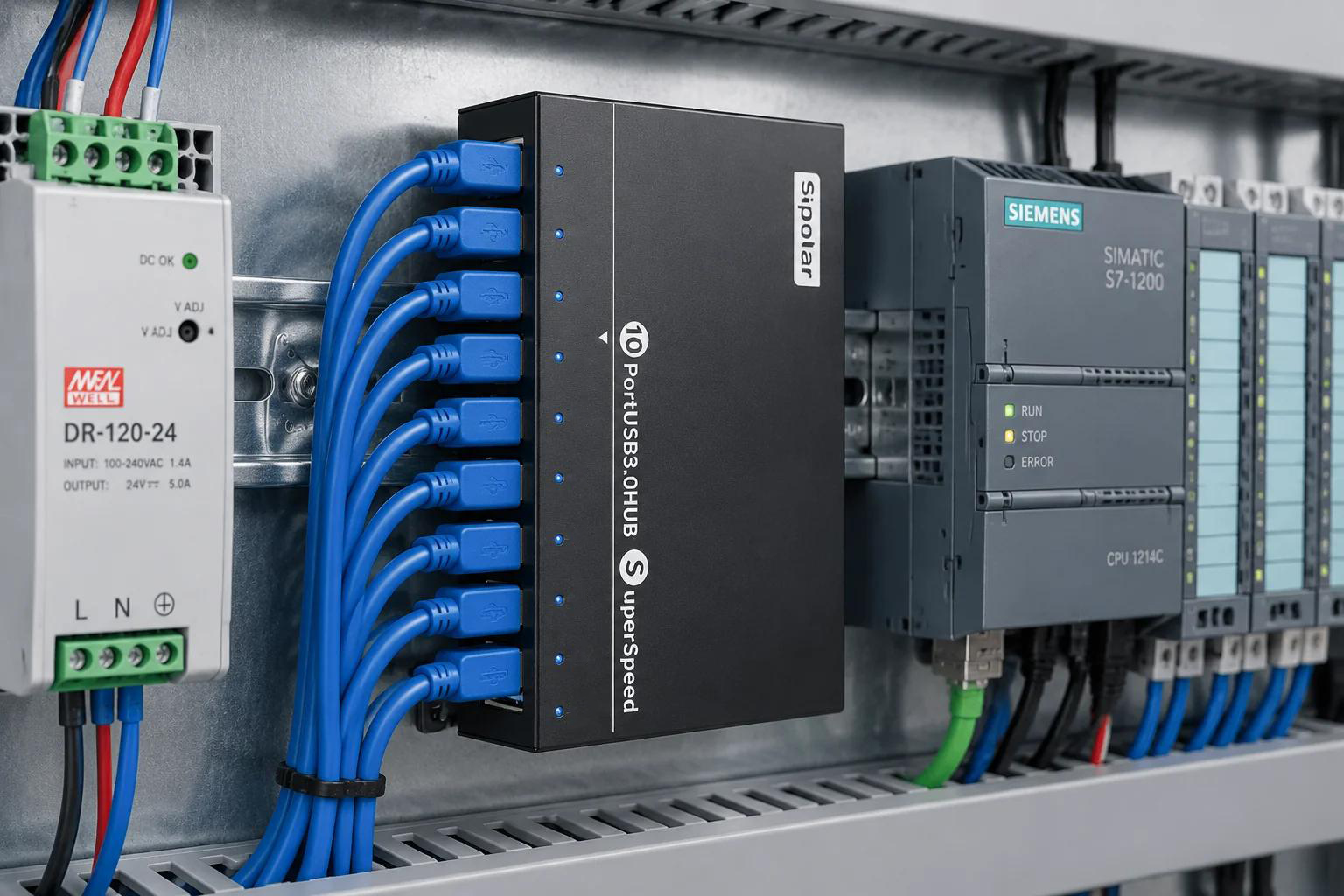
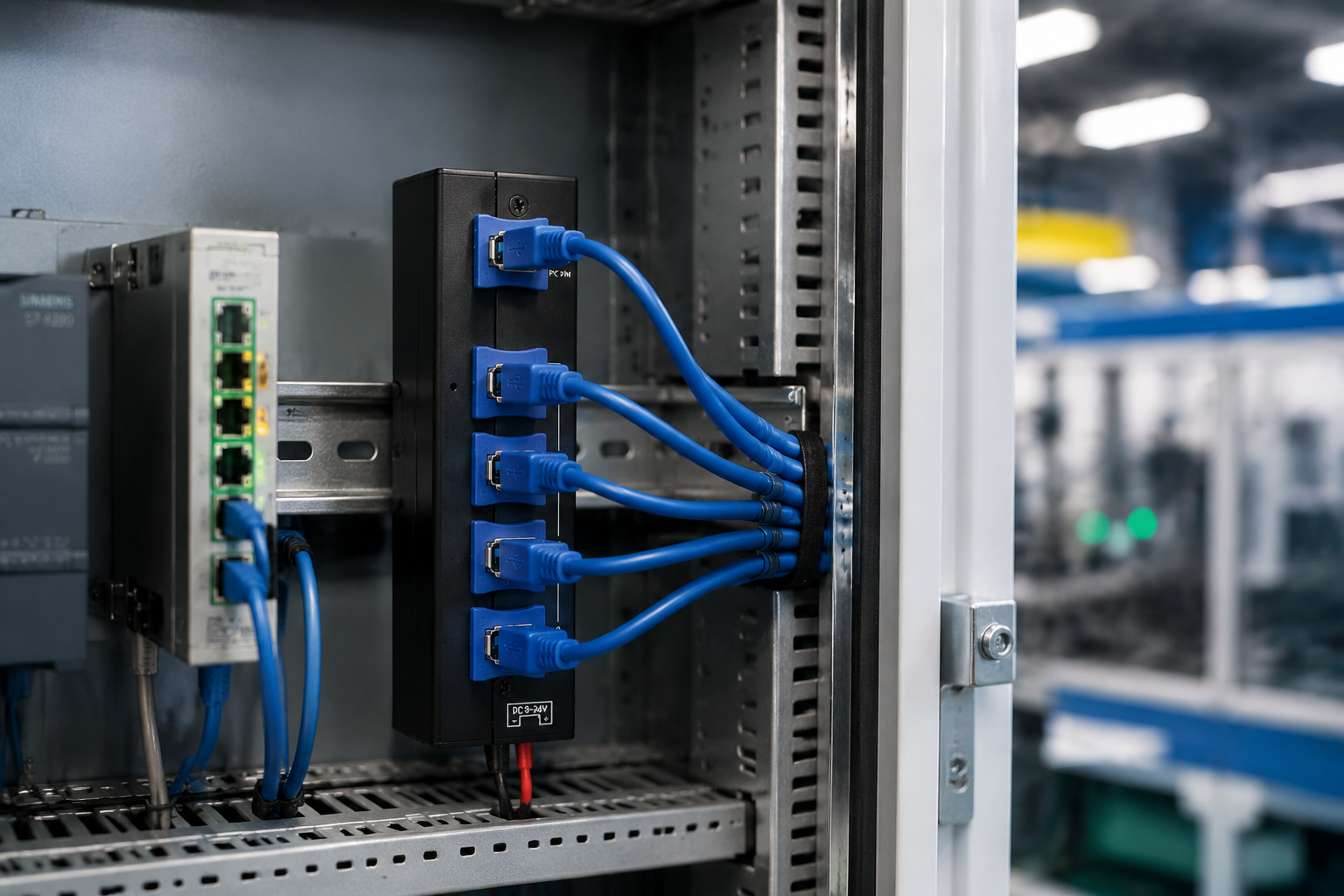
4.3 Factory Automation & Industrial IoT
Typical setup: Sensors, barcode scanners, PLC programming adapters on a production line.
Requirements:
Wide operating temperature (-40°C to +85°C)
ESD protection (±15kV air discharge)
Locking USB ports or secure cabling (optional)
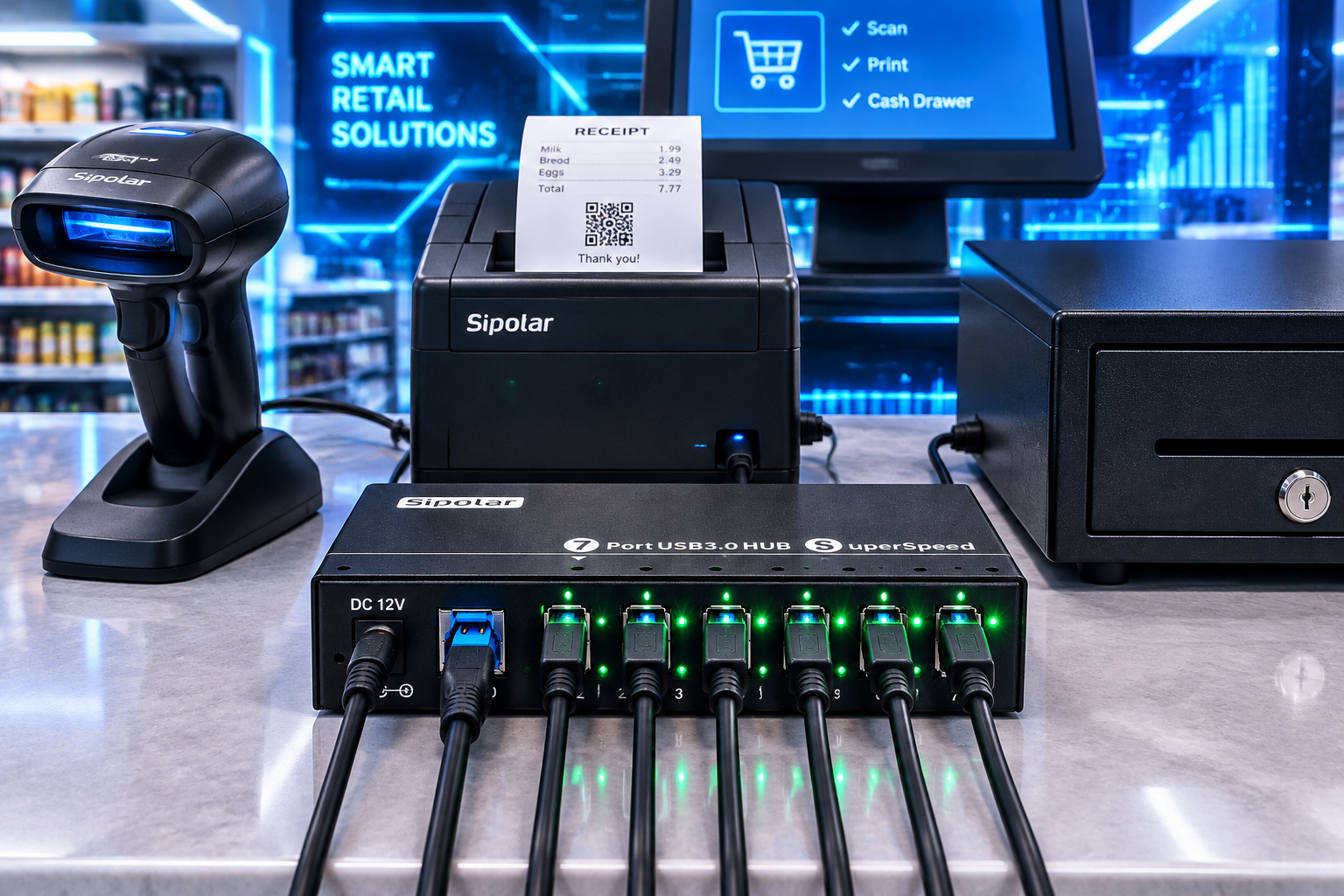
4.4 Digital Signage & Retail Displays
Typical setup: A central player connecting to multiple touch screens, card readers, and LED controllers.
Requirements:
Compact form factor
Reliable 24/7 operation
USB‑A to USB‑C adaptability (some signage now uses USB‑C)
4.5 Educational Computer Labs
Typical setup: 30–50 student stations, each needing a hub for mice, keyboards, and occasional flash drives.
Requirements:
Durable ports (high insertion cycle rating)
Per‑port overcurrent protection (students insert damaged devices often)
Easy mounting to desks or monitor arms
5. Purchasing Checklist for 2026
Before you issue a PO or add to cart, verify these items:
✅ Is the hub self‑powered (active)?
If yes, check the adapter’s total wattage and input voltage range.
✅ What is the true upstream speed?
Look for “USB 3.2 Gen 2” (10Gbps) or higher. Avoid hubs that only mention “USB 3.0” (that’s 5Gbps).
✅ Does it support the number of devices you need simultaneously?
Remember that bandwidth is shared. For heavy data transfers, consider using multiple hubs on different host ports.
✅ What is the operating temperature range?
If your environment goes above 40°C (104°F), industrial‑grade is mandatory.
✅ Does it have per‑port overcurrent protection?
This prevents one shorted device from killing the entire hub or damaging the host.
✅ What certifications does it carry?
CE, FCC, RoHS are minimum. For medical or safety‑critical applications, look for UL or TUV marks.
✅ Is there a technical support team that understands B2B applications?
Consumer brands offer chatbot support. Industrial suppliers like Sipolar provide direct engineering assistance.
6. Final Thoughts
The USB hub market in 2026 offers many choices, but very few are truly built for business‑critical applications. Cheap hubs cause intermittent disconnects, slow throughput, and mysterious system crashes – problems that waste hours of IT troubleshooting.
By focusing on active power, 10Gbps throughput, industrial environmental ratings, and per‑port protection, you can select a hub that will run reliably for years.
For B2B buyers evaluating high‑port‑count solutions (10 to 20+ ports), Sipolar’s industrial‑grade USB hubs are designed specifically for your use cases – from crypto mining rigs to laboratory test benches and factory automation.
Have a specific deployment in mind? Contact Sipolar’s technical team for a free consultation and custom recommendations.