MostRecentArticles

Buying Guide 2026:How to Choose the Right Multi-Port Hub for Your Business

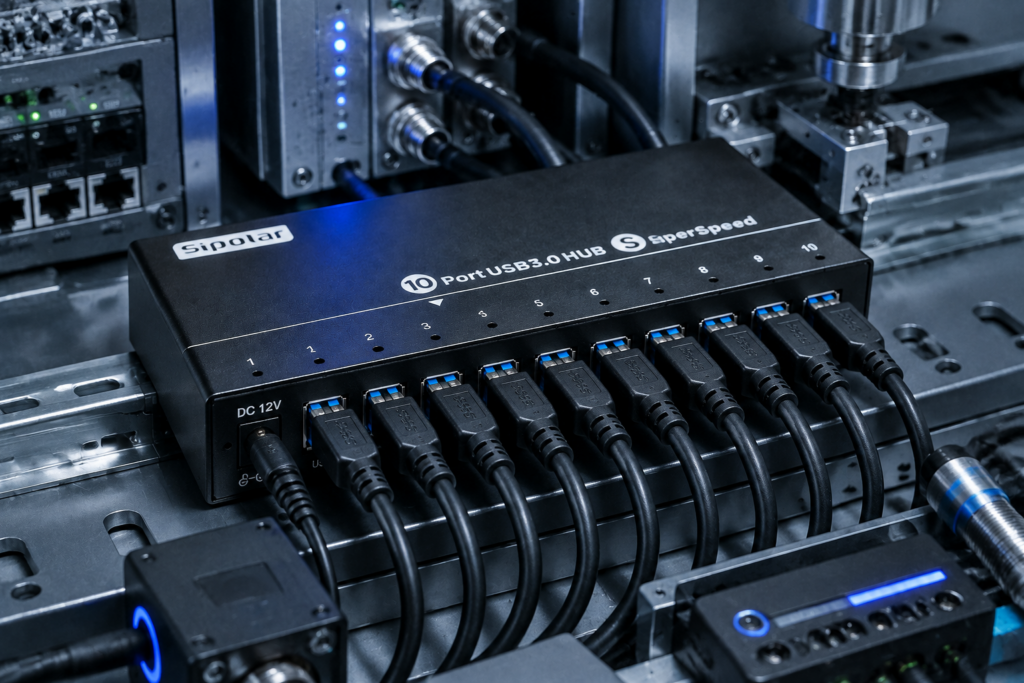
Meta Description: Buying a USB hub in 2026? From speed standards to power delivery and industrial-grade reliability – this guide covers everything B2B buyers need to know before purchasing a multi-port USB hub. Introduction: Why USB Hubs Matter More Than Ever in 2026 USB hubs were once considered simple accessories. Not anymore. In 2026, they have become critical infrastructure for businesses ranging from factory floors and test labs to cryptocurrency mining farms and digital signage networks. With USB4 reaching mainstream adoption, 10Gbps ports becoming the baseline for serious deployments, and power delivery requirements rising every year, choosing the wrong USB hub can lead to device dropouts, data corruption, production downtime, and hidden support costs. This guide is written for B2B buyers, system integrators, and IT managers who need to make informed purchasing decisions – not for casual consumers looking for a $10 hub. We’ll cover: Key specifications you must check Active vs. passive hubs – when each makes sense USB standards explained (USB 3.2 Gen 1, Gen 2, USB4) Industrial-grade vs. consumer-grade: the real differences Application-specific recommendations A final purchasing checklist Let’s get started. 1. Critical Specifications to Evaluate in 2026 1.1 Port Count – More Isn’t Always Better, But Often Is Port counts typically range from 4 to 20+ on a single hub. For B2B applications, 10‑port and 16‑port hubs are the sweet spots. 4–7 ports – Suitable for a single workstation or light peripheral connection. 10–16 ports – Ideal for test benches, small labs, or shared IT equipment. 16+ ports – Used in mass device flashing, cryptocurrency mining (Chia plotting, USB miners), or large‑scale data acquisition. Sipolar specializes in high‑density hubs (10, 13, 16, 20 ports) , built for simultaneous multi‑device operation without bandwidth or power starvation. 1.2 Data Speed – Throughput Matters More Than Peak Numbers Don’t just look at “up to 5Gbps”. Understand shared bandwidth.     Standard Raw Speed Real‑world per port (shared) Typical use USB 2.0 480 Mbps ~35 MB/s Keyboard, mouse, basic sensors USB 3.2 Gen 1 5 Gbps ~400 MB/s Flash drives, 1080p cameras USB 3.2 Gen 2 10 Gbps ~1 GB/s SSDs, 4K capture cards, multiple high‑speed devices USB4 20–40 Gbps Varies Future‑proofing, but still rare in industrial hubs For 2026, a 10Gbps hub (USB 3.2 Gen 2) is the recommended baseline for any B2B deployment involving storage, video, or simultaneous data streams. Important: All USB hubs share the host port’s bandwidth. A 10‑port 10Gbps hub still has only 10Gbps total upstream – not 10Gbps per port. This is a common misunderstanding that leads to poor purchasing decisions. 1.3 Power Delivery – Active vs. Passive (Self‑Powered vs. Bus‑Powered) This single specification causes more field failures than any other. Bus‑powered (passive) hubs draw all power from the host computer’s USB port. They are limited to ~2.5W–4.5W total. Never use them for more than one or two low‑power devices. Self‑powered (active) hubs have an external power adapter. They can provide full operating current (typically 500mA–900mA per port, sometimes more) to each connected device simultaneously. For any industrial or multi‑device scenario, always choose a self‑powered hub. Look for: Total adapter wattage (e.g., 60W for a 10‑port hub = 6W per port on average) Per‑port overcurrent protection (important to prevent one faulty device from taking down the whole hub) Sipolar active hubs feature independent port power control and overload protection – critical for labs and production environments. 2. USB Standards Explained (for B2B Buyers) Many buyers get confused by USB‑IF’s naming chaos. Here’s the practical takeaway for 2026:     Marketing name Official spec Speed Connector When to choose Hi‑Speed USB USB 2.0 480 Mbps USB‑A / USB‑B Only for very low‑bandwidth devices (keyboards, basic mice, simple sensors). Avoid for data‑intensive use. SuperSpeed USB USB 3.2 Gen 1 5 Gbps USB‑A / USB‑C Acceptable for light storage and single HD video. Not recommended for multi‑device concurrent use. SuperSpeed+ USB 3.2 Gen 2 10 Gbps USB‑A / USB‑C Recommended baseline for 2026 B2B. Handles multiple SSDs, 4K capture cards, and simultaneous data streams. USB4 USB4 Gen 2×2 / Gen 3×2 20–40 Gbps USB‑C Future‑proof but currently overkill for most hub applications. Limited industrial hub availability. For Sipolar’s target applications (test equipment, crypto mining, lab instruments, industrial automation) , USB 3.2 Gen 2 (10Gbps) with USB‑A connectors remains the most practical choice – wide device compatibility and sufficient bandwidth for 10–20 devices. 3. Industrial‑Grade vs. Consumer‑Grade – The Real Differences Consumer hubs (brands you see in retail stores) are not built for 24/7 operation, harsh environments, or high port counts. Here’s what industrial‑grade means:     Feature Consumer hub Industrial‑grade hub (e.g., Sipolar) Operating temperature 0°C to 40°C -40°C to +85°C ESD protection (air/contact) ±4kV / ±2kV ±15kV / ±8kV Enclosure Plastic, lightweight Metal, shielded, heat dissipation Port spacing Often tight, causing connector interference Wider spacing for industrial plugs Power adapter quality Basic, no certification UL/CE certified, often universal voltage (100–240V) Mounting options Desktop only DIN‑rail, wall‑mount, rack‑mount options MTBF rating Not specified Typically >100,000 hours If your deployment is in a factory, lab, server room, outdoor kiosk, or any environment with temperature swings or electrical noise, do not use consumer hubs. They will fail, and each failure costs you more in downtime than the price difference. 4. Application‑Specific Recommendations Different industries need different hub features. Use this as a quick reference. 4.1 Test & Measurement Labs Typical setup: Multiple data loggers, oscilloscopes, spectrum analyzers connected simultaneously. Requirements: 10–16 ports USB 3.2 Gen 2 (10Gbps) to avoid data bottlenecks Per‑port current limiting to isolate faulty instruments Metal enclosure for RF shielding Sipolar models: 16‑port industrial hubs with individual LED indicators for port status. 4.2 Cryptocurrency Mining (Chia, USB miners, etc.) Typical setup: 10–20 USB devices writing/reading simultaneously for hours. Requirements: High total power budget (at least 10W per port for some miners) Stable 5V rail with low ripple Over‑temperature protection Many mining communities have reported that Sipolar’s high‑port‑count hubs are among the few that can sustain 24/7 mining without port dropouts. 4.3 Factory Automation & Industrial IoT Typical setup: Sensors, barcode scanners, PLC programming adapters on a production line. Requirements: Wide operating temperature (-40°C to +85°C) ESD protection (±15kV air discharge) Locking USB ports or secure cabling (optional) 4.4 Digital Signage & Retail Displays Typical setup: A central player connecting to multiple touch screens, card readers, and LED controllers. Requirements: Compact form factor Reliable 24/7 operation USB‑A to USB‑C adaptability (some signage now uses USB‑C) 4.5 Educational Computer Labs Typical setup: 30–50 student stations, each needing a hub for mice, keyboards, and occasional flash drives. Requirements: Durable ports (high insertion cycle rating) Per‑port overcurrent protection (students insert damaged devices often) Easy mounting to desks or monitor arms 5. Purchasing Checklist for 2026 Before you issue a PO or add to cart, verify these items: ✅ Is the hub self‑powered (active)? If yes, check the adapter’s total wattage and input voltage range. ✅ What is the true upstream speed? Look for “USB 3.2 Gen 2” (10Gbps) or higher. Avoid hubs that only mention “USB 3.0” (that’s 5Gbps). ✅ Does it support the number of devices you need simultaneously? Remember that bandwidth is shared. For heavy data transfers, consider using multiple hubs on different host ports. ✅ What is the operating temperature range? If your environment goes above 40°C (104°F), industrial‑grade is mandatory. ✅ Does it have per‑port overcurrent protection? This prevents one shorted device from killing the entire hub or damaging the host. ✅ What certifications does it carry? CE, FCC, RoHS are minimum. For medical or safety‑critical applications, look for UL or TUV marks. ✅ Is there a technical support team that understands B2B applications? Consumer brands offer chatbot support. Industrial suppliers like Sipolar provide direct engineering assistance. 6. Final Thoughts The USB hub market in 2026 offers many choices, but very few are truly built for business‑critical applications. Cheap hubs cause intermittent disconnects, slow throughput, and mysterious system crashes – problems that waste hours of IT troubleshooting. By focusing on active power, 10Gbps throughput, industrial environmental ratings, and per‑port protection, you can select a hub that will run reliably for years. For B2B buyers evaluating high‑port‑count solutions (10 to 20+ ports), Sipolar’s industrial‑grade USB hubs are designed specifically for your use cases – from crypto mining rigs to laboratory test benches and factory automation. Have a specific deployment in mind? Contact Sipolar’s technical team for a free consultation and custom recommendations.

Read More »

High-Density 16-Port USB-C Chargers Built for Enterprise

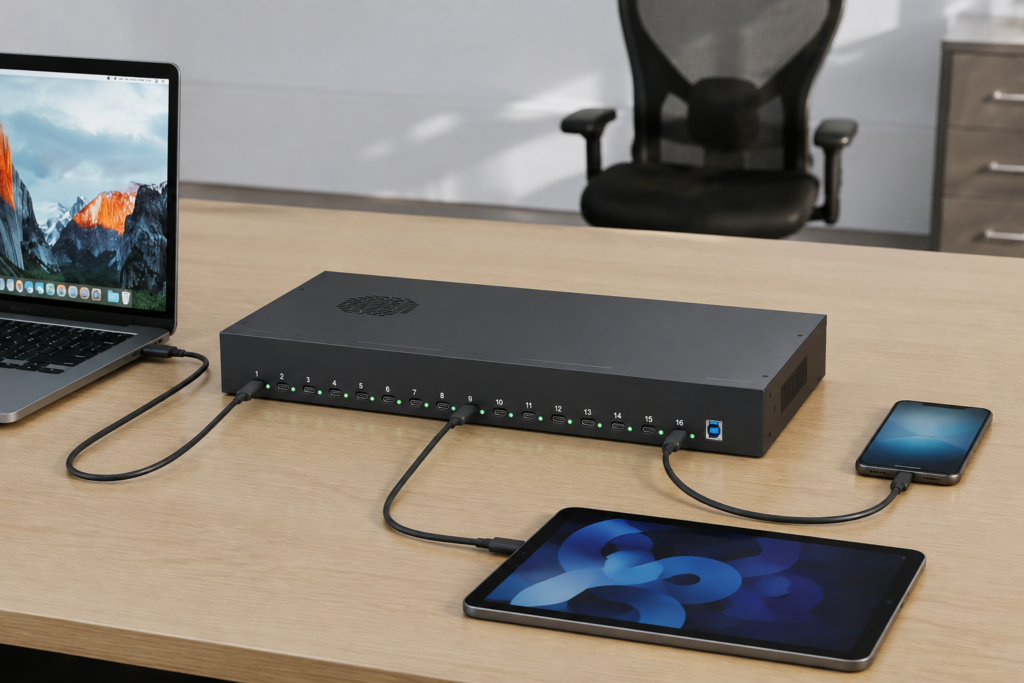
At Sipolar, we understand that modern IT environments, classrooms, and device fleets demand reliable, high‑density charging solutions. That’s why we are proud to introduce two new industrial‑grade USB‑C chargers: the C‑165PD and the C‑166PD. Both models are designed to fit seamlessly into a standard 19‑inch rack, making them ideal for labs, education institutions, and corporate deployment. With 16 independent USB‑C ports, they deliver simultaneous fast charging without compromising performance. C‑165PD 30W per port | 600W total power Per‑port LED indicator (red: charging, green: full/standby) Built‑in Meanwell power supply with intelligent fan control Multiple protections: over‑current, over‑voltage, short‑circuit, and over‑temperature C‑166PD 65W per port | 1008W total power Supports full PD3.0 (PPS) and a wide range of fast‑charging protocols including QC5, SCP, AFC, and PE2.0 Smart cooling with fan + ventilation slots Enhanced protection suite: OVP, OCP, SCP, input UVLO, and thermal shutdown Both chargers are certified CE, FCC, and RoHS, ensuring safety and compliance worldwide. Whether you need to power tablets, Chromebooks, or high‑performance laptops like MacBook Pro and Dell XPS, the C‑165PD and C‑166PD deliver consistent, reliable power.

Read More »

Shenzhen Lpsen Technology Company Introduction

Overview Lpsen Technology was founded in 2010 and operates under the brand name Sipolar. With 15 years of industry experience, the company is recognized as a National High-Tech Enterprise and a Specialized and Sophisticated SME. Lpsen specializes in the research, development, production, and sales of industrial-grade USB hubs. The company operates from a 2,000㎡ standardized factory and holds ISO9001, CE, 3C, and UL certifications. Supported by numerous patents, Lpsen has established itself as a trusted player in the self-service terminal and network cabinet sectors. Vision Lpsen aspires to become a global leader in industrial connectivity solutions—setting industry standards, serving diverse industrial scenarios, and earning a reputation for reliability. Philosophy The company’s philosophy rests on three pillars: superior quality, leading service, and lasting value. Superior Quality is achieved through strict control over the entire process, from material sourcing to final testing. For Lpsen, customers are not merely buying a hub; they are investing in the stability of their production lines. Quality is both the baseline and the promise. Leading Service means responding promptly and, more importantly, understanding customer needs. The sales team combines strong technical expertise with deep insight into industry pain points. Lasting Value reflects a commitment to long-term partnerships. Lpsen’s products are designed to endure and evolve with customers’ businesses, delivering value as operations become more efficient and secure. Core Values Integrity: Honoring commitments to customers, dealing fairly with suppliers, and maintaining internal transparency. Over 50% of the team has been with the company for more than five years. Dedication: Pursuing excellence in every detail. Endeavor: Driving continuous growth—from a small sales counter to a large-scale factory. Altruism: Creating win-win outcomes by helping customers reduce costs and improve efficiency, providing growth opportunities for employees, and ensuring sustainable development. Organizational Structure Lpsen is led by a General Manager, with core departments for R&D, Production, and Quality, supported by dedicated domestic and international sales teams. Milestones 2010: Founded; first sales counter established in Huaqiangbei. 2012: Registered the Sipolar brand and began online sales on Alibaba. 2015: Expanded globally through Alibaba International; obtained key international certifications. 2017: Launched flagship stores on JD.com and Tmall to strengthen brand presence. 2020: Established an independent sales office in Longhua, separating sales from production. 2023: Recognized as a National High-Tech Enterprise and Specialized SME; new Dongguan plant commenced operations. 2024: Launched a JD.com self-operated store to expand market reach. Products & Applications Lpsen offers three main product categories: Compact Embedded Hubs Standard Rack-mounted Hubs Anti-Loosening Hubs for Robotics These products serve a variety of industries: Self-Service Terminals (e.g., supermarkets, banks): Stable multi-port expansion and reliable power management increase efficiency and reduce downtime. Education: For tablet charging carts, solutions support batch charging and high-speed data transfer, enabling safer, more efficient device management. Data Collection (e.g., body-worn cameras): Hubs enable parallel data transfer and centralized power within docking stations, ensuring reliable bulk processing. Storage Testing: Sipolar hubs have long been a preferred choice in this sector—approximately 80% of Shenzhen’s USB drive factories use Sipolar hubs, with the original 16-port hub remaining a top choice for mass production testing. Industrial Robotics: Anti-loosening hubs feature a secure lock-in design that prevents disconnection even during high-speed movement and vibration. Partners Lpsen is proud to serve industry leaders including Baidu, Tencent, Pinduoduo, Alibaba, OPPO, Huawei, Xiaomi, Foxconn, Goertek, Longsys, Netac, and UBTech. Their trust stands as a testament to Lpsen’s commitment to quality and service. Future Outlook Lpsen remains dedicated to industrial connectivity, driven by customer needs and continuous innovation. The company will continue to deepen its presence in data centers, smart terminals, and industrial control, making its products smarter, more reliable, and more efficient.

Read More »

How to Choose a Reliable Embedded USB Hub for Automated Production Line?

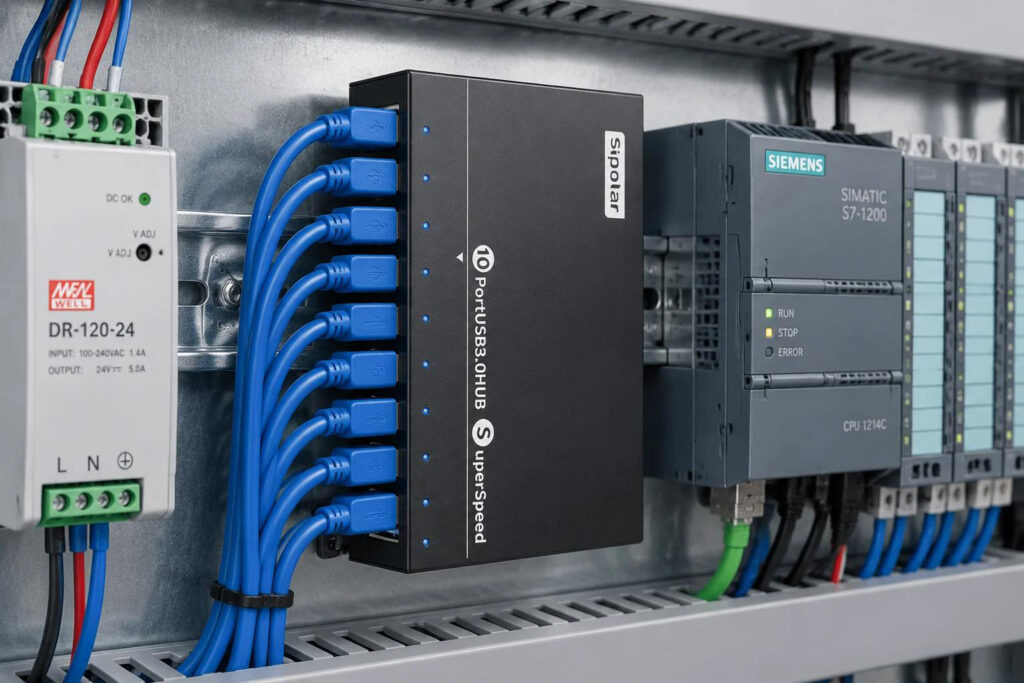
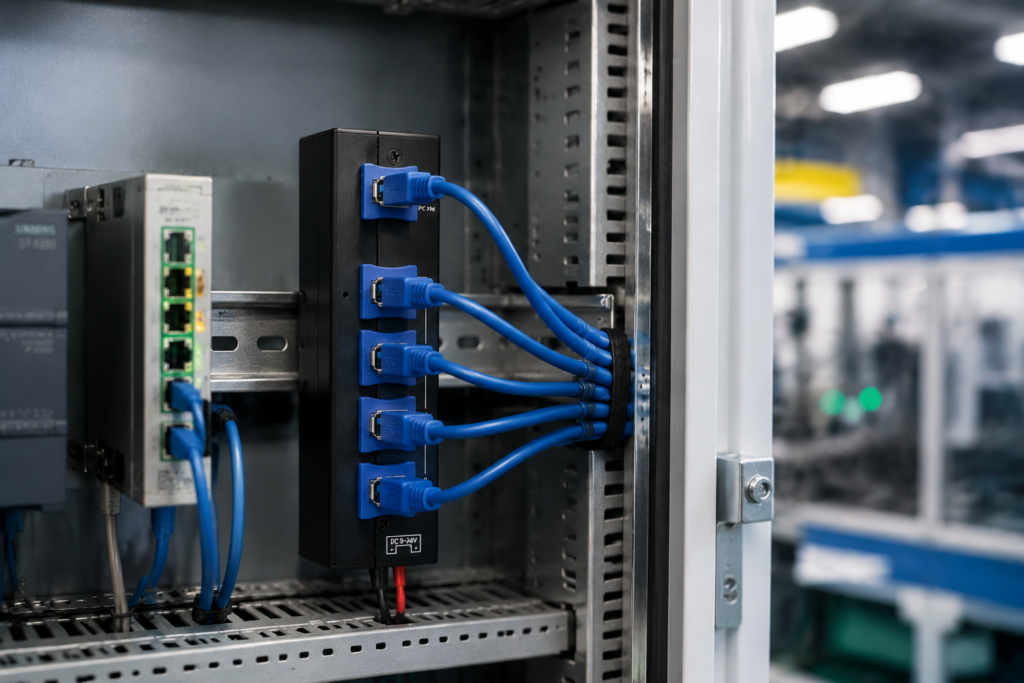
In the era of Industry 4.0, automated production lines are the beating hearts of modern manufacturing. These complex systems rely on numerous connected devices—from sensors and cameras to barcode scanners and Human-Machine Interfaces (HMIs). At the core of these connections, often overlooked, lies a critical component: the embedded USB Hub. A failure here can mean costly downtime, data loss, or even damage to expensive equipment. So, how do you choose a hub that guarantees 24/7 reliability? Let’s explore the key factors through a real-world scenario. The Challenge: A Case of “Unreliable Connections” Imagine a European automotive parts manufacturer, “AutoPart GmbH,” upgrading their assembly line. They integrated 16 high-resolution cameras for quality inspection, all connected to a single industrial PC via a standard, off-the-shelf USB hub. The result was disastrous: Frequent disconnections during operation. Image data corruption, leading to faulty inspections. Overheating of the hub after just a few hours. The entire line stopped 3-4 times a week, costing thousands in lost productivity. The problem wasn’t the cameras or the PC—it was the unreliable hub that couldn’t handle the industrial environment. The 4 Key Criteria for an Industrial-Grade USB Hub To avoid AutoPart GmbH’s fate, here are the critical factors you must evaluate when selecting an embedded USB hub: 1. Ruggedized Build for Harsh Environments Unlike office-grade plastic hubs, industrial environments demand durability. What to look for: A heavy-duty metal enclosure (like aluminum alloy). This isn’t just for looks; it provides superior heat dissipation, physical protection against vibration and shock, and effective EMI/RFI shielding to prevent signal interference from nearby heavy machinery. Sipolar Solution: Our industrial hubs feature robust, fanless metal casings designed for reliable operation in temperatures ranging from -20°C to +80°C, ensuring stability even on a crowded, vibrating assembly line. 2. Independent Power Management & Over-Current Protection Connecting multiple power-hungry devices (like cameras or barcode scanners) can easily overload a bus-powered hub, causing all ports to shut down. What to look for: A hub with individual port power switches and over-current protection. This means if one device shorts or draws too much power, only that single port is disabled. The rest of your line keeps running. Sipolar Solution: Our hubs feature independent power regulators for each port. As one of our engineers puts it, “With independent port protection, a faulty sensor won’t bring your entire production line to a halt. It’s about ensuring business continuity at the component level.” 3. High Port Density with Stable Signal Integrity Industrial applications often require connecting many devices to a single host computer. A standard 4-port hub is rarely enough. What to look for: High-density solutions (7, 10, 13, or even 16 ports) that are specifically engineered for data transfer, not just charging. The hub must maintain signal integrity across all ports simultaneously without data loss or crosstalk. Sipolar Solution: With over 15 years of experience, we offer a wide range of multi-port hubs. Our 16-port industrial hub, for example, is a popular choice for machine vision systems, allowing seamless connection of multiple cameras for 360-degree product inspection. 4. Wide Power Input & Industrial Connectivity Your production line’s power environment can be unstable. A reliable hub must adapt. What to look for: Support for a wide range of DC power inputs (e.g., 12V~48V) to match your existing industrial power supplies. Secure terminal block connectors are also preferable to standard barrel jacks, as they won’t vibrate loose. Sipolar Solution: Our embedded hubs are designed with industrial applications in mind, featuring wide-voltage input and optional screw-type terminal blocks for the most secure connections in high-vibration settings. The Solution: How Sipolar Solved AutoPart GmbH’s Problem Returning to our case study: AutoPart GmbH replaced their consumer-grade hub with a Sipolar 16-port industrial USB hub. The result? Zero downtime related to USB connections in the following six months. Stable, high-speed data transfer from all 16 inspection cameras. Reliable performance even in the warm environment of the assembly line, thanks to the metal casing’s heat dissipation. Simplified maintenance. As their IT manager noted, “We finally have a ‘set it and forget it’ solution. The build quality is immediately apparent, and knowing each port is protected gives us real peace of mind.” Conclusion: Don’t Let Your Hub Be the Weak Link In an automated production line, every component must be chosen for reliability. Your USB hub is the silent backbone connecting your critical peripherals. Choosing a cheap, non-industrial solution is a false economy that risks expensive failures. For a reliable, high-performance connection that keeps your production line moving, trust the experts. Sipolar’s industrial USB hubs are engineered for the rigors of the factory floor. Ready to upgrade your connectivity? 👉 Contact our engineering team today for a free consultation on your specific application. (https://www.sipolar.com/contact-us/)

Read More »

Sipolar FS-809 7-Port USB 3.0 Hub with Individual Switches

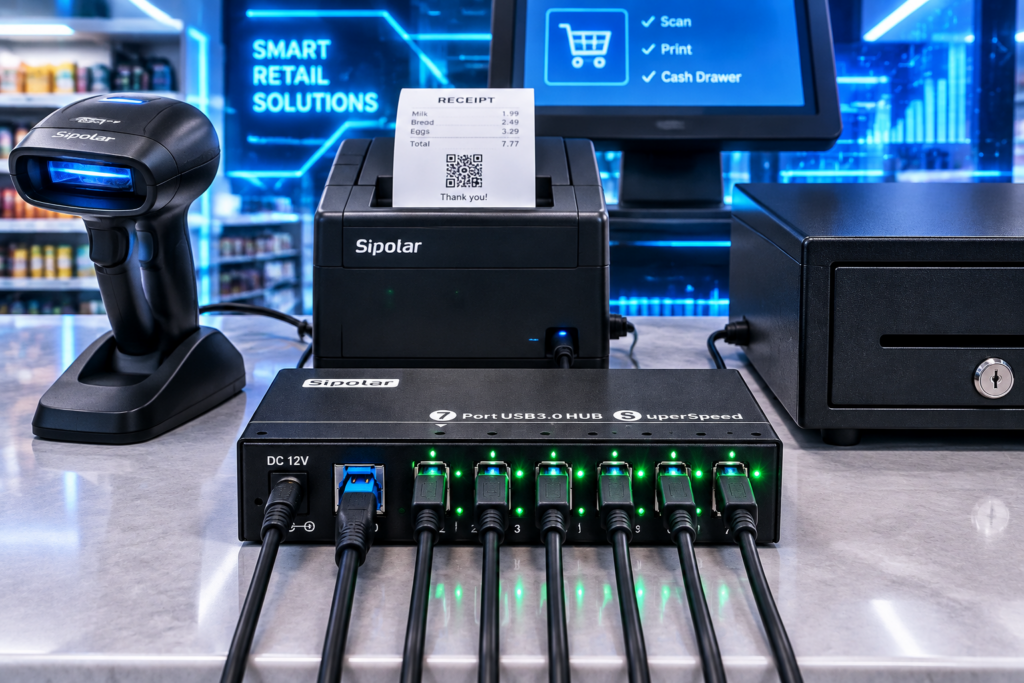
For over 15 years, Sipolar has been at the forefront of industrial USB hub innovation, delivering reliable and high-performance connectivity solutions to professionals worldwide. Today, we are proud to spotlight one of our most popular products on Alibaba International Station — the FS-809 7-Port USB 3.0 Hub. Designed for efficiency, durability, and precision, the FS-809 is the ideal choice for industrial environments, office setups, and high-demand tech stations. 🔌 7 High-Speed USB 3.0 Ports The FS-809 features 7 USB 3.0 ports, including 4 USB-A and 3 USB-C downstream ports, all supporting data transfer speeds of up to 5Gbps. Whether you’re connecting external drives, peripherals, or charging multiple devices, this hub delivers consistent and fast performance. ⚡ Individual Port Switches Each port comes with its own independent on/off switch, allowing users to control power to each connected device individually. This not only saves energy but also reduces the need to repeatedly plug and unplug devices — a huge convenience in both industrial and office environments. 🔋 Advanced Charging Support With support for BC1.2, Apple, and Samsung charging protocols, the FS-809 ensures fast and intelligent charging for a wide range of devices. USB-A ports deliver up to 1.5A per port USB-C ports deliver up to 2A per port Powered by a DC 12V/2A adapter, the hub provides stable and efficient power output for even the most power-hungry devices. 🛡️ Reliable Protection Features Safety is built into every Sipolar product. The FS-809 includes output overcurrent protection and short circuit protection, ensuring your devices and the hub itself remain safe under all operating conditions. 💡 LED Indicators Clearly visible blue LED indicators show the power and working status of each port, allowing users to monitor activity at a glance. 🏗️ Rugged Aluminum Design Crafted from high-strength aluminum alloy, the FS-809 is built to last. The sleek, durable enclosure offers excellent heat dissipation, making it suitable for continuous operation in demanding environments. Its compact size (142*55*24mm) fits neatly on any desktop without taking up too much space. 🌍 Broad Compatibility The FS-809 works seamlessly across multiple platforms, including: Windows (7, 8, 10, 11 – x86 & x64) Mac OS (10.12 and above) Linux & Ubuntu (16.04 and above) ❄️ Wide Operating Range Designed for global use, the FS-809 operates reliably in temperatures from -25°C to 80°C and humidity levels from 5% to 90%, making it suitable for a wide range of industrial and outdoor applications. Why Choose Sipolar? With 15 years of experience in industrial hub development, Sipolar is a name you can trust. The FS-809 is a testament to our commitment to quality, innovation, and user-centric design. Whether you’re managing a factory floor, setting up a testing station, or simply need a powerful hub for your workspace, the FS-809 delivers performance you can rely on. 📦 Package Includes: 1 x FS-809 USB 3.0 Hub 1 x DC 12V/2A Power Adapter 1 x USB 3.0 Type-C to Type-C/A Cable Visit our official website or contact us today to learn more about the FS-809 and explore our full range of industrial USB solutions! Sipolar – Powering Connections, Driving Innovation.

Read More »

Isolated USB 2.0 Hub with Dual Power Modes and 3KV Isolation

Sipolar, a trusted leader in the R&D and manufacturing of industrial USB hubs for over 15 years, is proud to introduce our latest innovation: the AT-4A20M3 Industrial 4-Port USB 2.0 Hub. Built with durability, safety, and performance in mind, this new model is engineered to meet the demanding needs of modern industrial applications—from factory automation to embedded systems and beyond. Whether you’re powering sensors, connecting peripherals, or transferring data in electrically noisy environments, the AT-4A20M3 delivers uncompromising reliability and protection. Key Features & Benefits 🔌 True Electrical Isolation The AT-4A20M3 features 3KV isolation for both USB data and power, ensuring your connected devices and host system are protected from ground loops, voltage surges, and electrical interference. This makes it ideal for use in industrial control, medical equipment, and test & measurement setups. ⚡ Dual Power Supply Modes for Maximum Flexibility Unpowered Mode: Supports up to 0.6A total output—perfect for low-power devices in field applications. Powered Mode: With an external 9–24V DC input (via locking industrial terminal), each port delivers up to 1A, with a total power budget of ≤20W. Built-in overcurrent and short-circuit protection ensures safe operation at all times. 🛡️ Rugged & Industrial-Grade Design ESD protection Class 3 (Contact ±6KV, Air ±8KV) Wide operating temperature: -25°C to 80°C Humidity tolerance: 5% to 90% RH Reliable performance at altitudes up to 2,000 meters 📦 Versatile Mounting Options The compact design (93x70x34.8mm) supports both DIN-rail and wall-mount installation, making it easy to integrate into control cabinets, workstations, or embedded systems. 💻 Wide System Compatibility Plug-and-play support for: Windows (XP to 11) macOS 10.12 and above Linux & Ubuntu 16.04+ 📊 Visual Status Indicators Red LED: Power status Blue LED: Data transmission activity Who Is It For? The AT-4A20M3 is ideal for: Industrial automation engineers Embedded system integrators Test & measurement professionals Medical device manufacturers Any application requiring reliable, isolated USB connectivity Why Choose Sipolar? With 15 years of experience in industrial hub design and manufacturing, Sipolar is committed to quality, innovation, and customer satisfaction. Every product is engineered to withstand the toughest environments while delivering consistent, high-performance results. Ready to Upgrade Your Connectivity? Contact us today to learn more about the AT-4A20M3 or to request a sample for testing. Visit our website or email our sales team to get started.

Read More »